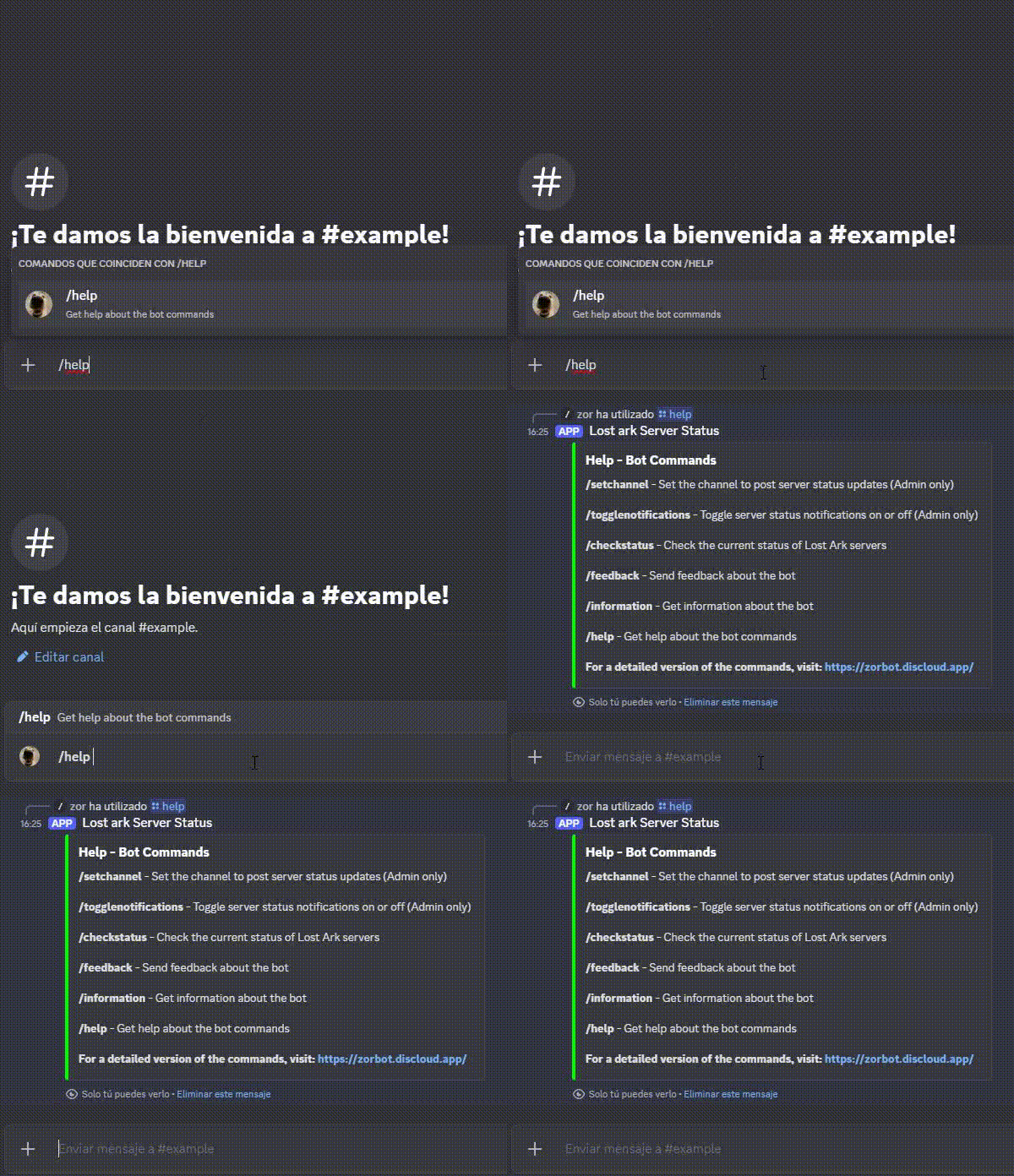
/setchannel
Sets the channel where server status updates will be posted (Admin only).
Usage:
/setchannel #channel-name
Example:

Sets the channel where server status updates will be posted (Admin only).
/setchannel #channel-name
Turns server status notifications on or off (Admin only).
When you activate this command, whenever the servers are reopened (after maintenance, for example) a @here message will be sent through the channel specified in /setchannel informing that the servers have been reopened and showing the server status.
/togglenotifications

Whenever one or more server statuses change to "Online", you will receive this message on the selected channel.
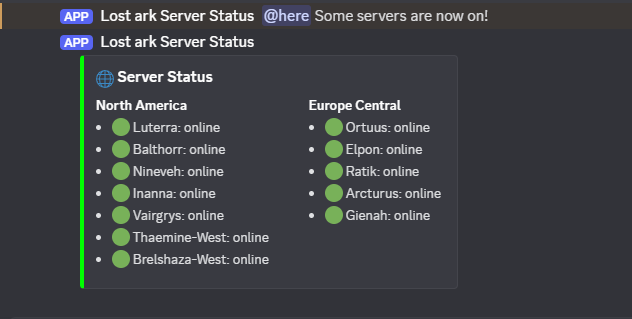
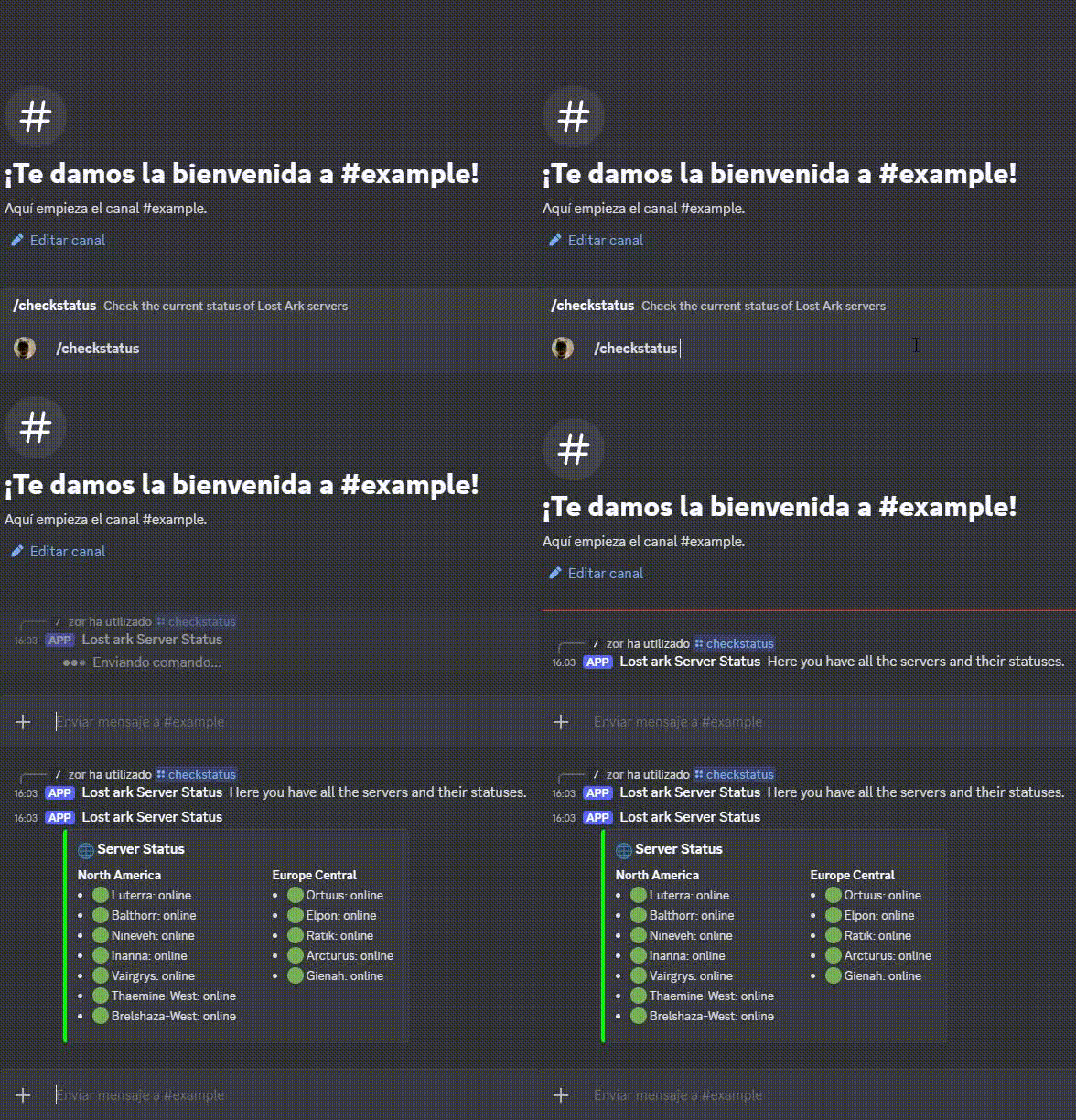
Displays the current status of all Lost Ark servers.
/checkstatus
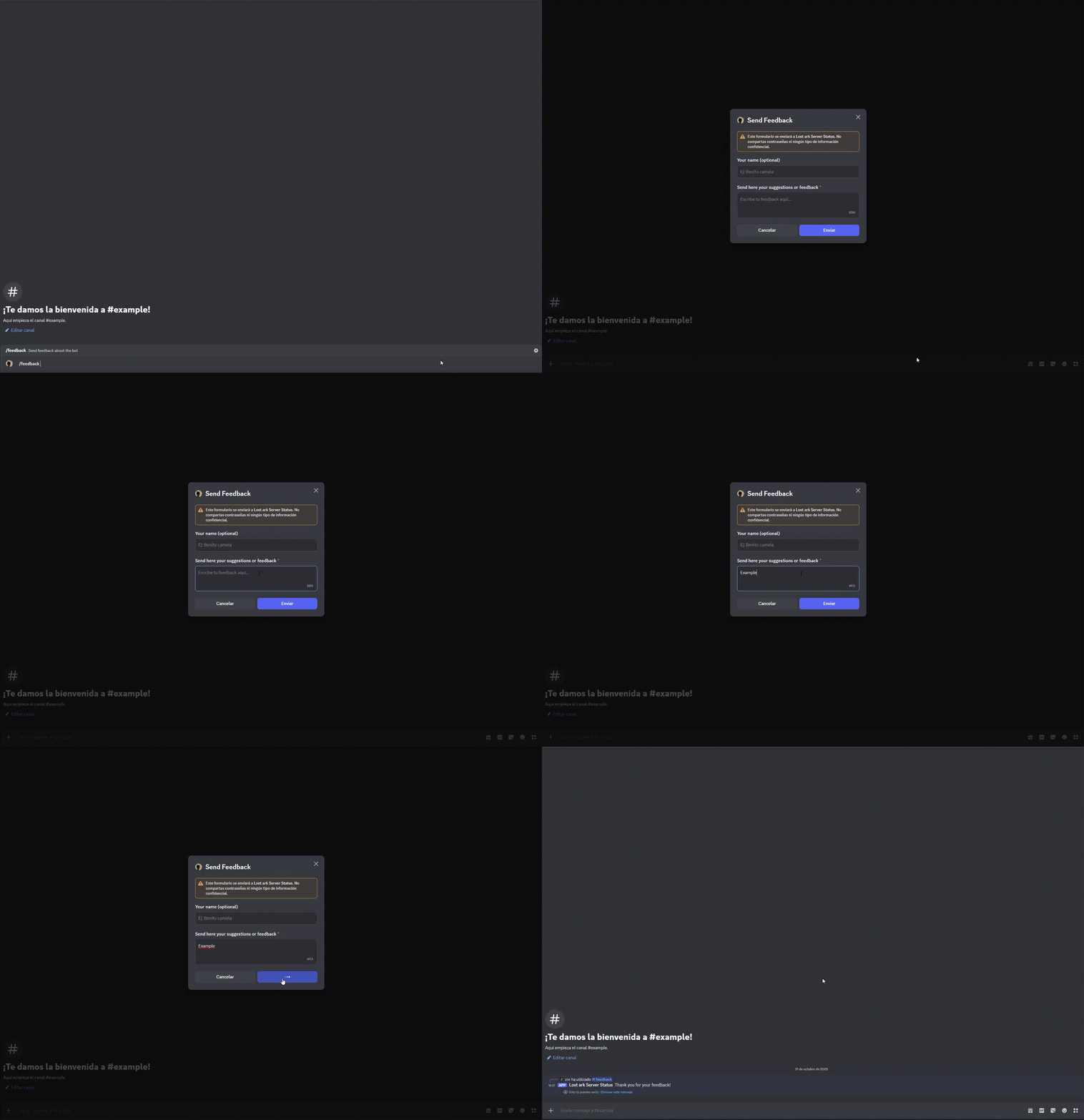
Allows users to send suggestions or feedback to the developer.
/feedback
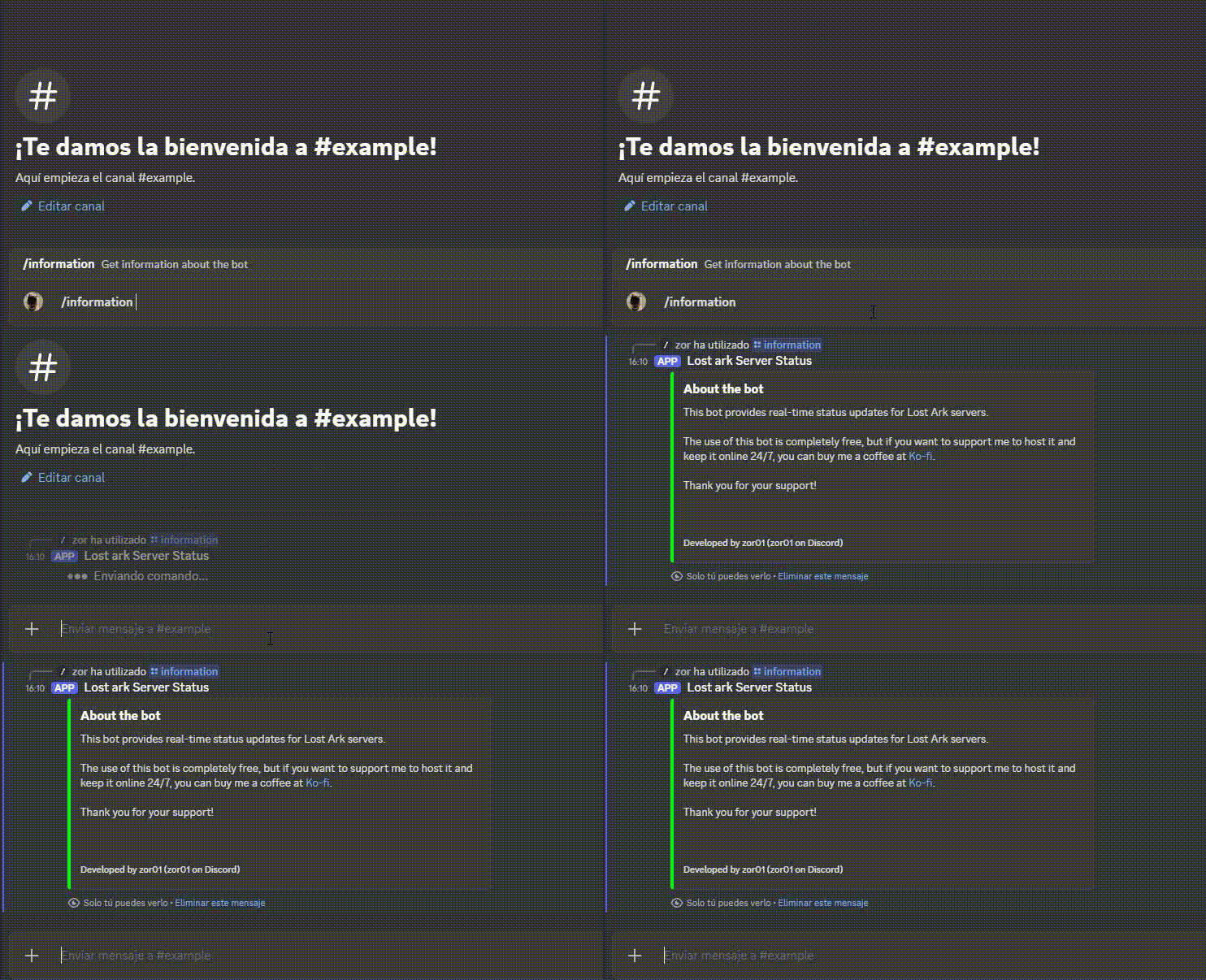
Shows general information about the bot and how to support its development.
/information
Displays a list of available commands and their descriptions.
/help